
Articles about FT8 and WSJT-X
How to do FT8 like a Boss. Learn everything they don't know to tell you.
FT8 has become one of the most popular digital modes on the amateur radio bands. It lets stations complete contacts with very weak signals, but good results depend on careful settings of the radio, the sound card and the computer. These articles explain each part step by step, for newcomers and for experienced operators alike.
Receiving Settings
How to adjust the SoundCard receiving level. How to adjust properly your transceiver.
A clean receive chain is the base of every good FT8 session. The audio level that reaches WSJT-X should sit in the comfortable middle of its level meter: too low and weak stations disappear into the noise, too high and the decoder struggles with distortion. Turning off noise blankers and heavy filtering on the transceiver usually lets the software see the whole passband and decode more stations.
Transmitting Settings
How to adjust properly your Transmit so your signal can be decoded even when it is low. How to not disturb nearby stations.
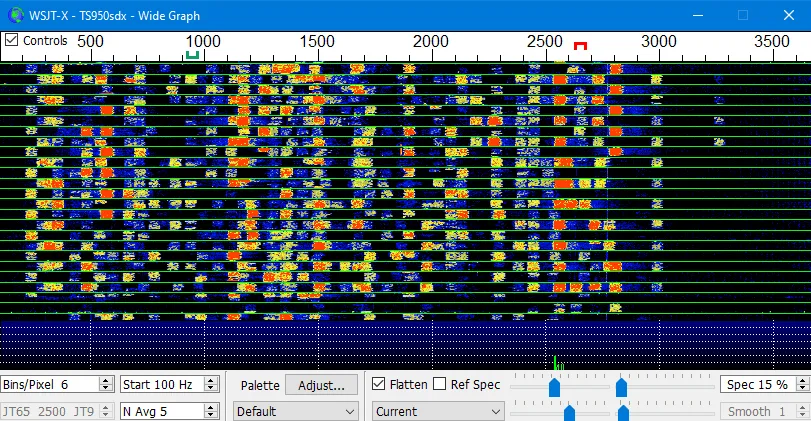
A clean FT8 signal matters more than a loud one. Keeping the audio drive low enough that the transceiver's ALC stays at or near zero avoids splatter and extra signals on the waterfall. A clean, modest signal is decoded far away and leaves room for other stations on a crowded band.
Time Adjustment
How to have always accurate time in Windows 10 without special time synchronization applications.
FT8 works in strict 15-second cycles, so the clock of the computer must be accurate to within about a second. When decodes suddenly stop or the DT column shows large values, the time is usually the cause. Windows has its own internet time synchronization, and setting it to update often keeps the clock correct for daily operating.
FT8 and DxDozer
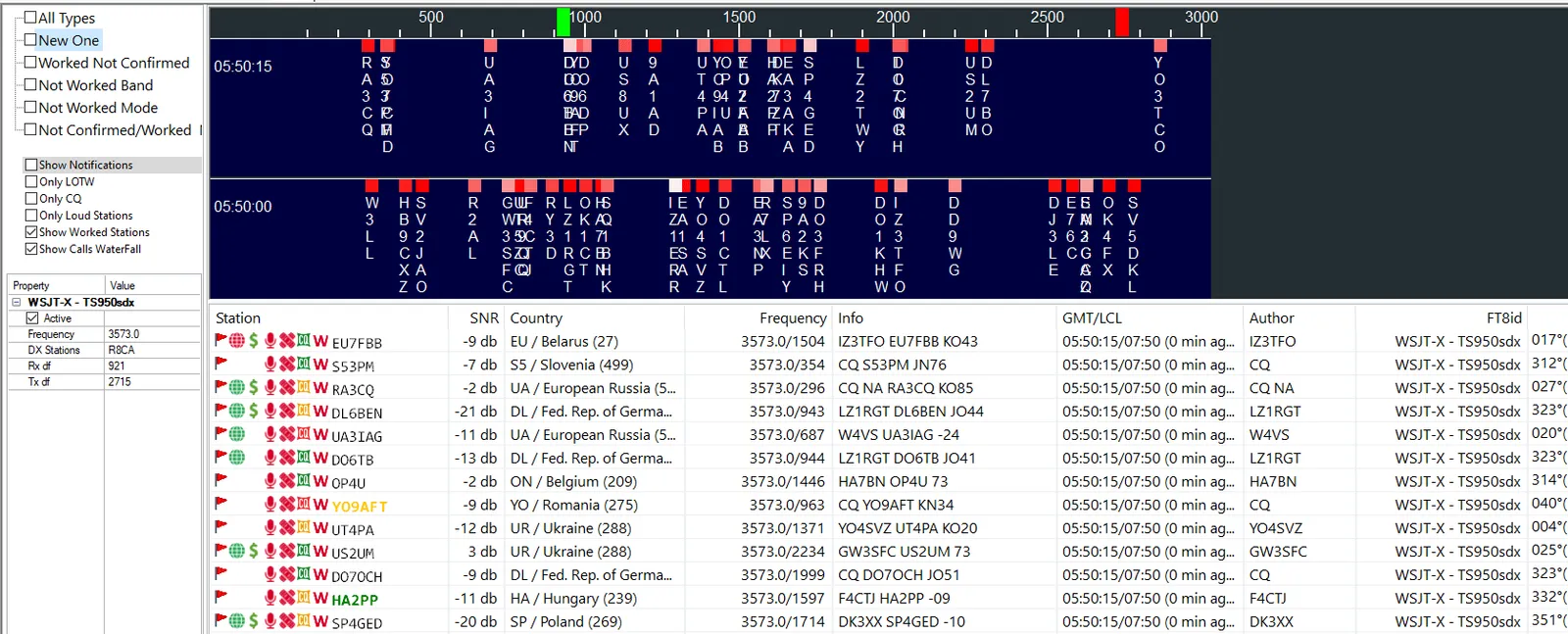
DxDozer is the Best Logbook Ever. You don't need a PhD to use it. It has "Easy Mode" for new users and "Expert Mode" for experienced users. DxDozer can help you do DXCC in FT8 easily. It communicates with WSJT-X and allows you to work stations and countries you need.
DxPedition Mode
How to Work DxPeditions in Fox/Hound mode.
Rare DXpeditions often use the Fox and Hound mode of WSJT-X, where one Fox station answers several Hounds at once. Hounds call above 1000 Hz, wait for the Fox to reply and follow its lead. Knowing the rules of this mode before the expedition goes on the air saves time and makes a contact in the log far more likely.
Using Multiple Radios or Calls
How to use multiple Radios and/or Callsigns simultaneously in the same computer.
WSJT-X can run in more than one instance on the same computer, each with its own radio, sound card and settings. This makes it possible to watch two bands at once or to operate with a second callsign, as long as every instance is given its own name and its own audio devices.
Sound Card Adjustment
How to adjust Sound cards in Windows 10 for maximum performance and ease of operation.
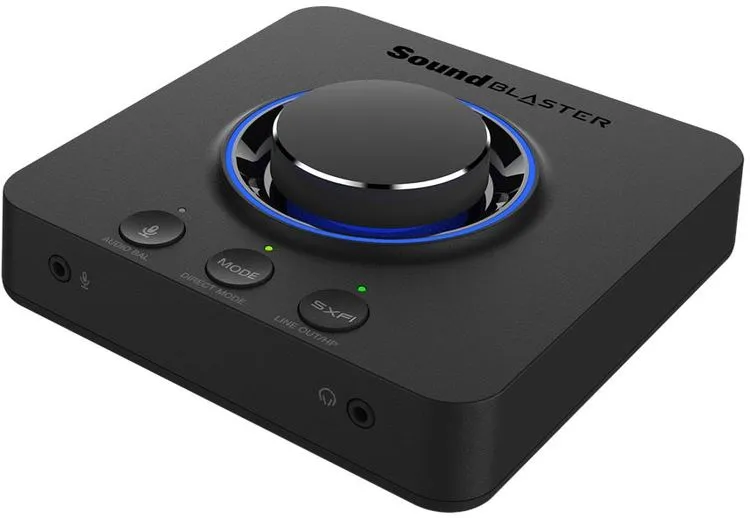
Windows often adds sound effects, automatic gain and enhancements that change the audio of digital modes. Disabling them, choosing a fixed sample rate and giving the radio its own audio device keeps levels steady from one session to the next.
Getting Started with FT8
A working FT8 station needs only a few parts:
- An HF or VHF transceiver with a data or USB mode.
- A computer with WSJT-X installed and the correct callsign and grid locator.
- An audio interface or the built-in sound card of the radio.
- CAT control, so the software can change frequency and key the transmitter.
- An accurate clock, synchronized regularly.
Once these are in place, a first session is simple: pick a busy band, watch the decodes for a few cycles, then answer a CQ with a clean, low-power signal.
Frequently Asked Questions
Why does WSJT-X decode nothing?
The most common causes are a wrong clock, the wrong audio input selected in WSJT-X, or a receive level that is far too low or too high.
How much power do I need for FT8?
FT8 is designed for weak signals, and many contacts are made with modest power. A clean signal usually matters more than extra watts.